See your sign-in branding take shape.
Bring your brand into the sign-in experience
The dc:id appearance editor brings the page name, introduction, logo, background, colours and font choices into one workspace. See how they work together as a complete sign-in page.
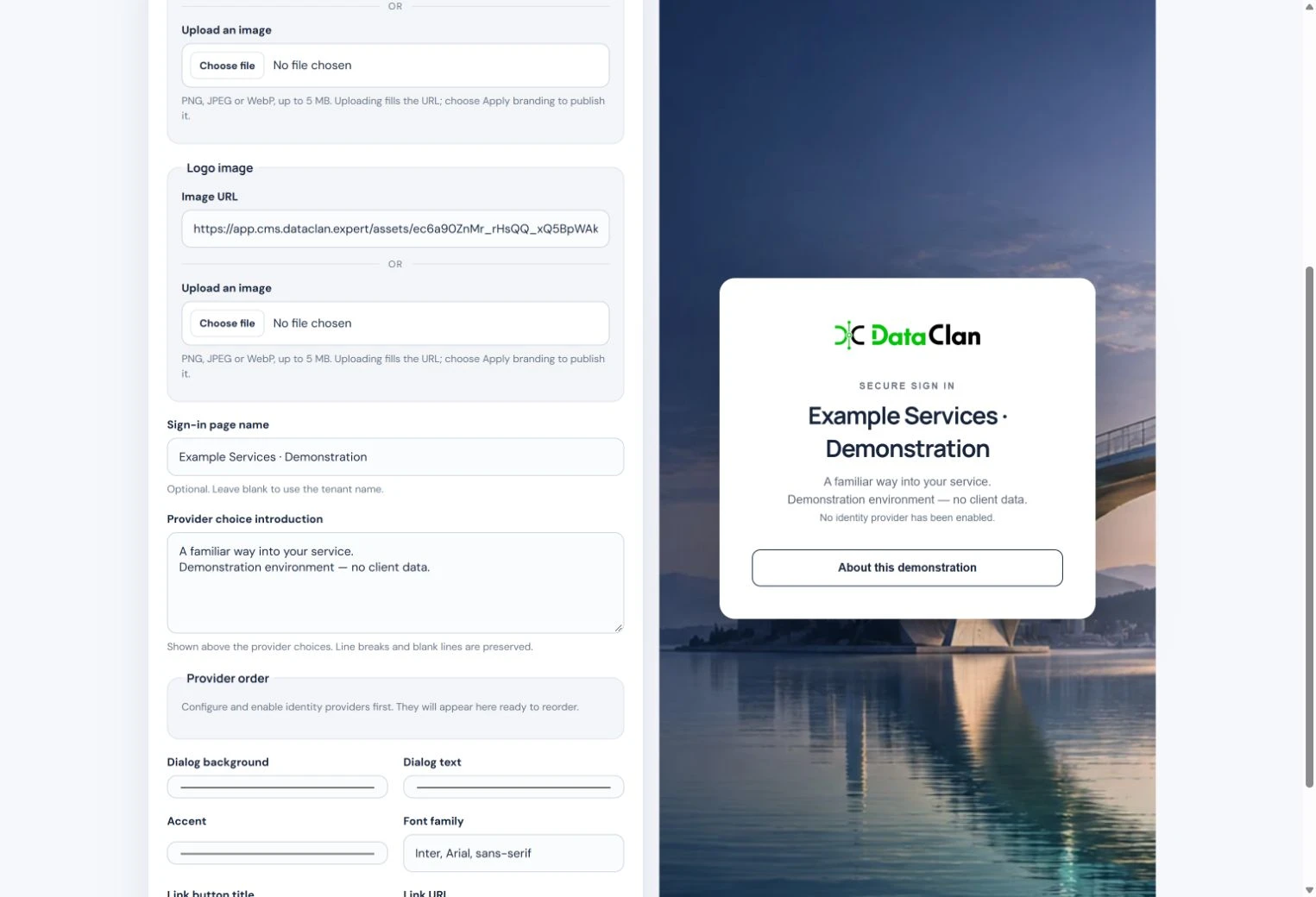
See the effect of a change
The second screen shows a different portal name in the same design. The preview updates alongside the controls, helping you assess the wording in context before applying the change.
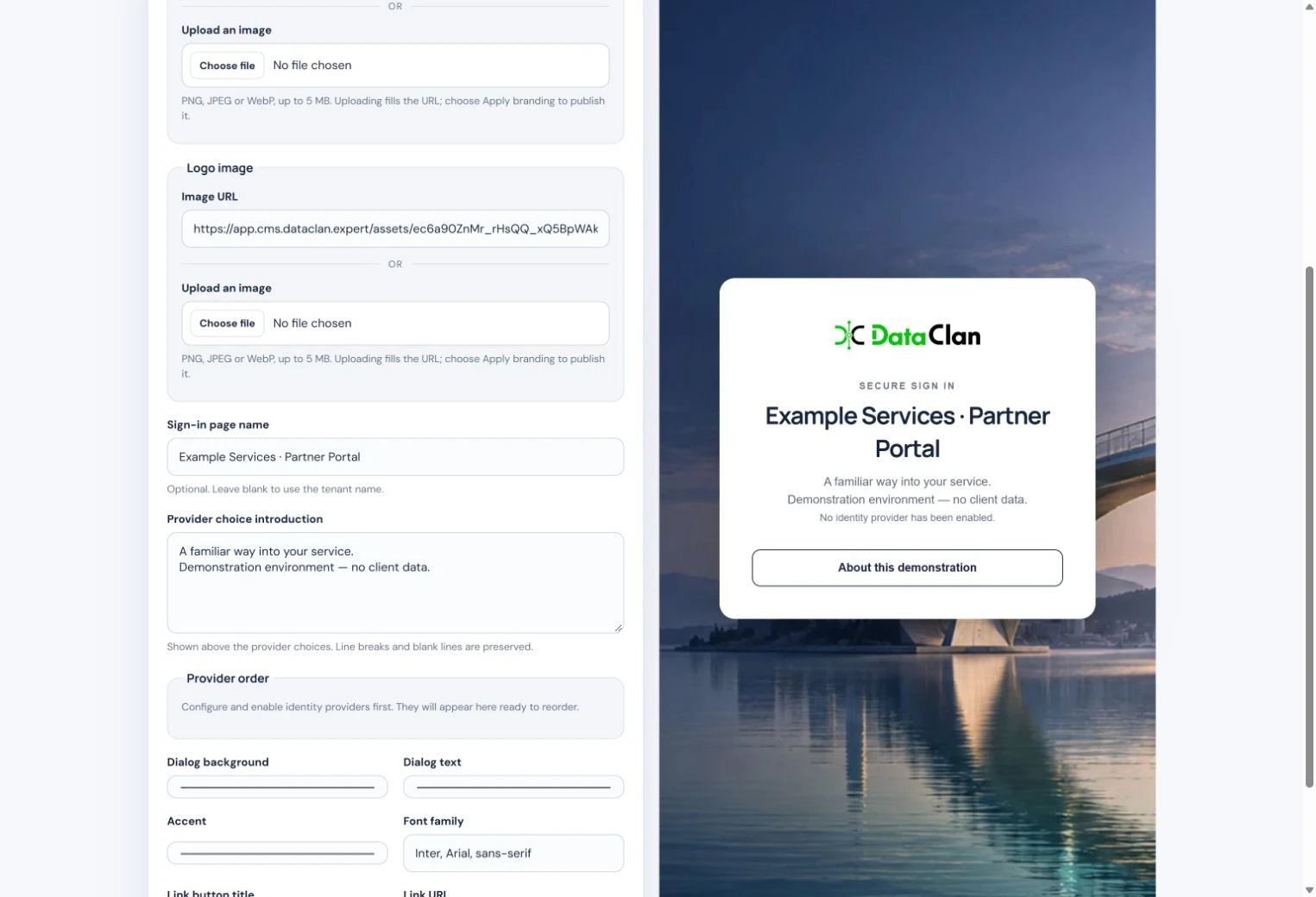
Refine the experience before it reaches your users
Give service owners and designers a shared view of the proposed appearance. Review the wording, branding and visual consistency together, then apply the choices that fit your service.
Plan the wider customer experience
Customer Accounts and portable branding extend the customer experience across dc:id, dc:pki and dc:trust. Plan a consistent customer experience.